Create and Verify Your Account
Before you start
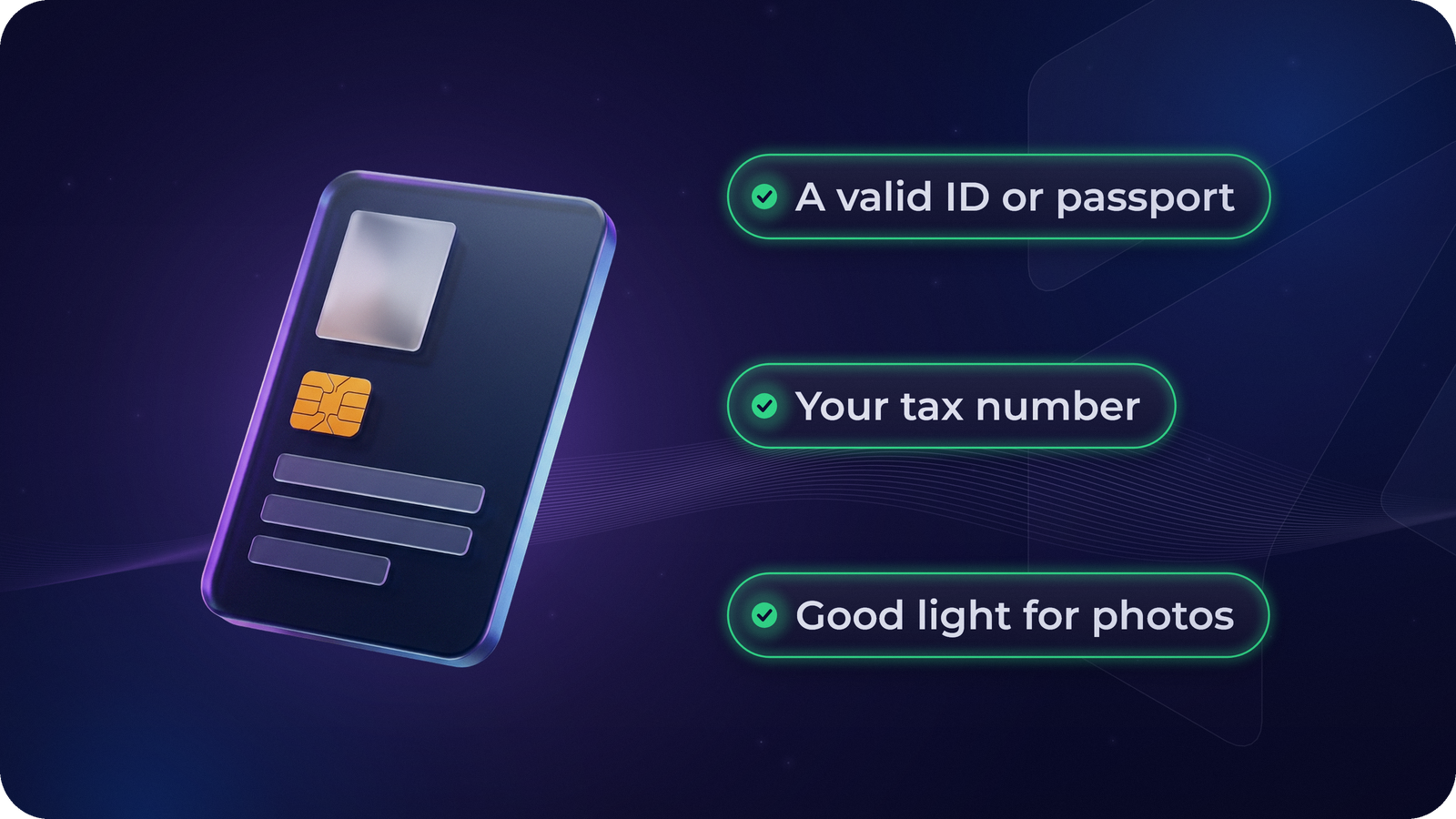
Picture it: you finish signing up in five minutes, then your verification gets stuck because the photo of your ID is blurry and your name is spelt differently. A little preparation avoids that. Have these ready:
- your email address and a strong password you don’t use anywhere else
- your phone number
- a valid ID card or passport
- your tax number (in the US, your Social Security number or ITIN)
- good light for the photos and a selfie
Everything happens inside the app. You don’t need to visit an office or send documents by email.
Step 1: Sign up
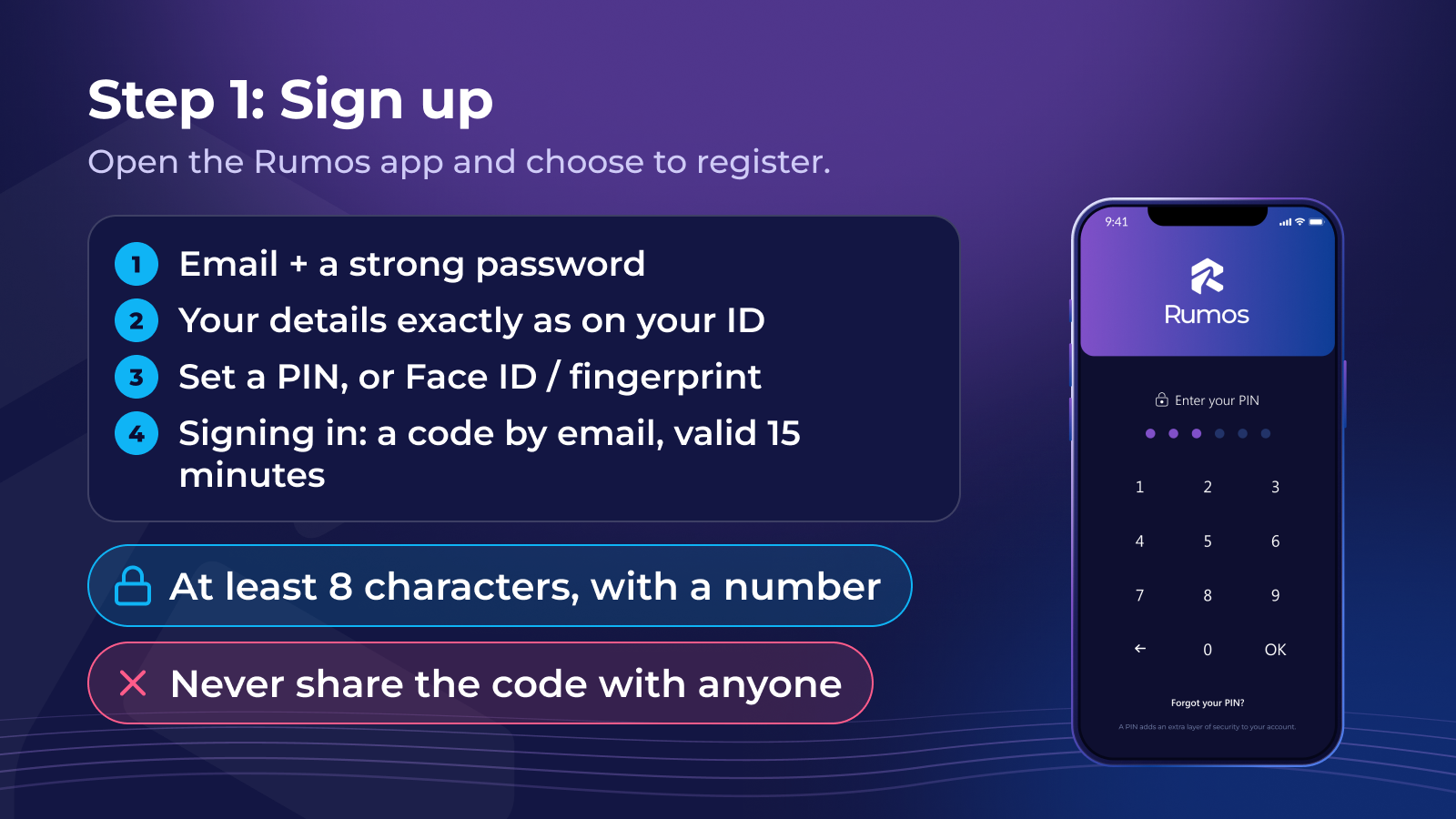
- Open the Rumos app and choose to register. Enter your email and create a password: at least 8 characters, with upper- and lowercase letters and a number. Longer is better.
- Enter your name, address and personal details, such as your date and place of birth, nationality and phone number. Type them exactly as they appear on your ID.
- Set a PIN. You’ll use it, or Face ID, Touch ID or your phone’s fingerprint unlock, to open the app.
Signing in uses your PIN and one-time codes (OTP): each time you sign in with your email and password, Rumos sends a one-time code to your email. The code expires after 15 minutes. Never share it with anyone.
Quick check
You sign in to Rumos with your email and password, and a one-time code arrives in your email. What should you do with it?
Step 2: Verify your identity
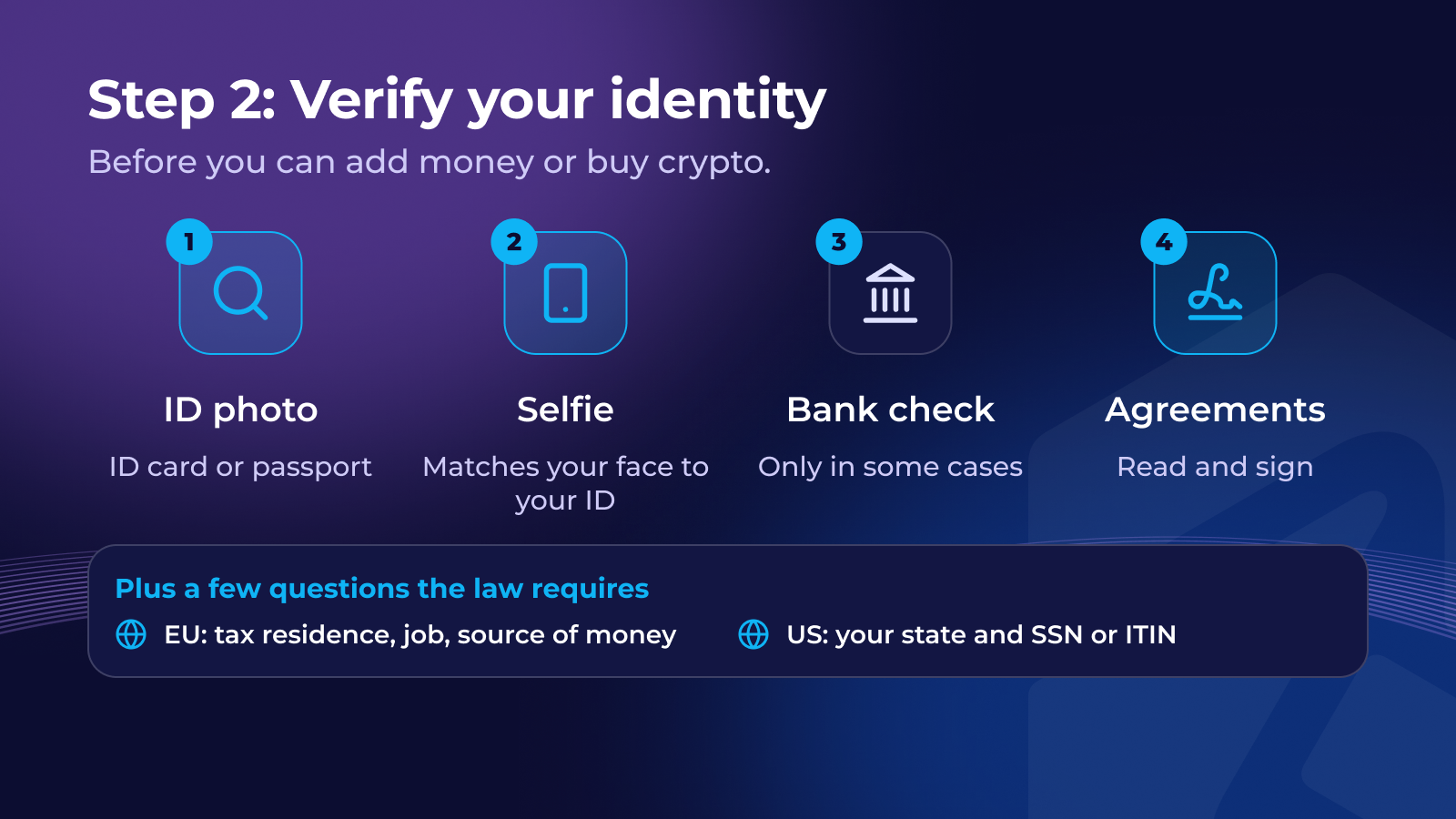
Before you can add money or buy crypto, you verify your identity. The app explains each step before you begin. It usually looks like this:
- Identity check: a photo of your ID card or passport.
- Selfie: a quick photo to match your face to your ID.
- Bank check: in some cases, a small bank transaction confirms that a bank account in your name is yours. The app tells you if this applies to you.
- Agreements: you read and sign the agreements for your account.
You also answer a few questions the law requires. In the EU these include your tax residence, your job and where your money comes from; in the US, your state and your SSN or ITIN.
Quick check
Luka’s identity verification for his crypto account stops because the name he typed doesn’t match his passport. What should he do?
After you submit
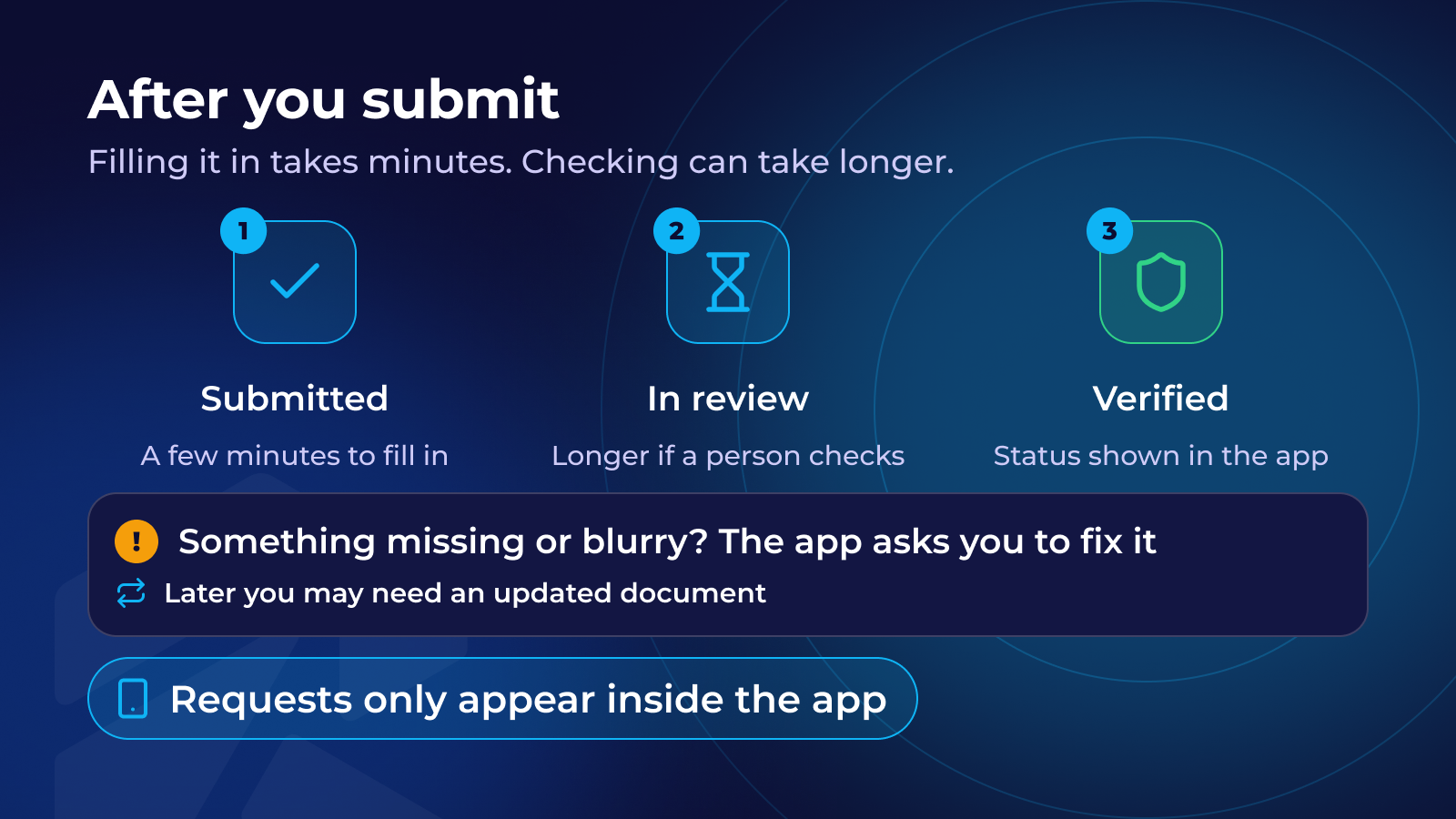
Filling everything in takes a few minutes. Checking it can take longer, especially if a person needs to review something. You’ll see the status in the app, and you can close the app while you wait.
If something is missing, such as a blurry photo, an expired document or a detail that doesn’t match, the app asks you to fix it.
Verification isn’t always one-off. Later you may be asked for an updated document or a few extra answers, for example when your ID expires or the rules change. These requests appear inside the app.
If the app asks you to verify your bank, a first deposit from an account in your own name does that, and the app shows you when the check is complete.
Quick check
Why does a crypto app ask for a selfie during identity verification?
Recap
- Sign up with your email and a strong password you use only for Rumos. Sign-in codes are sent to your email.
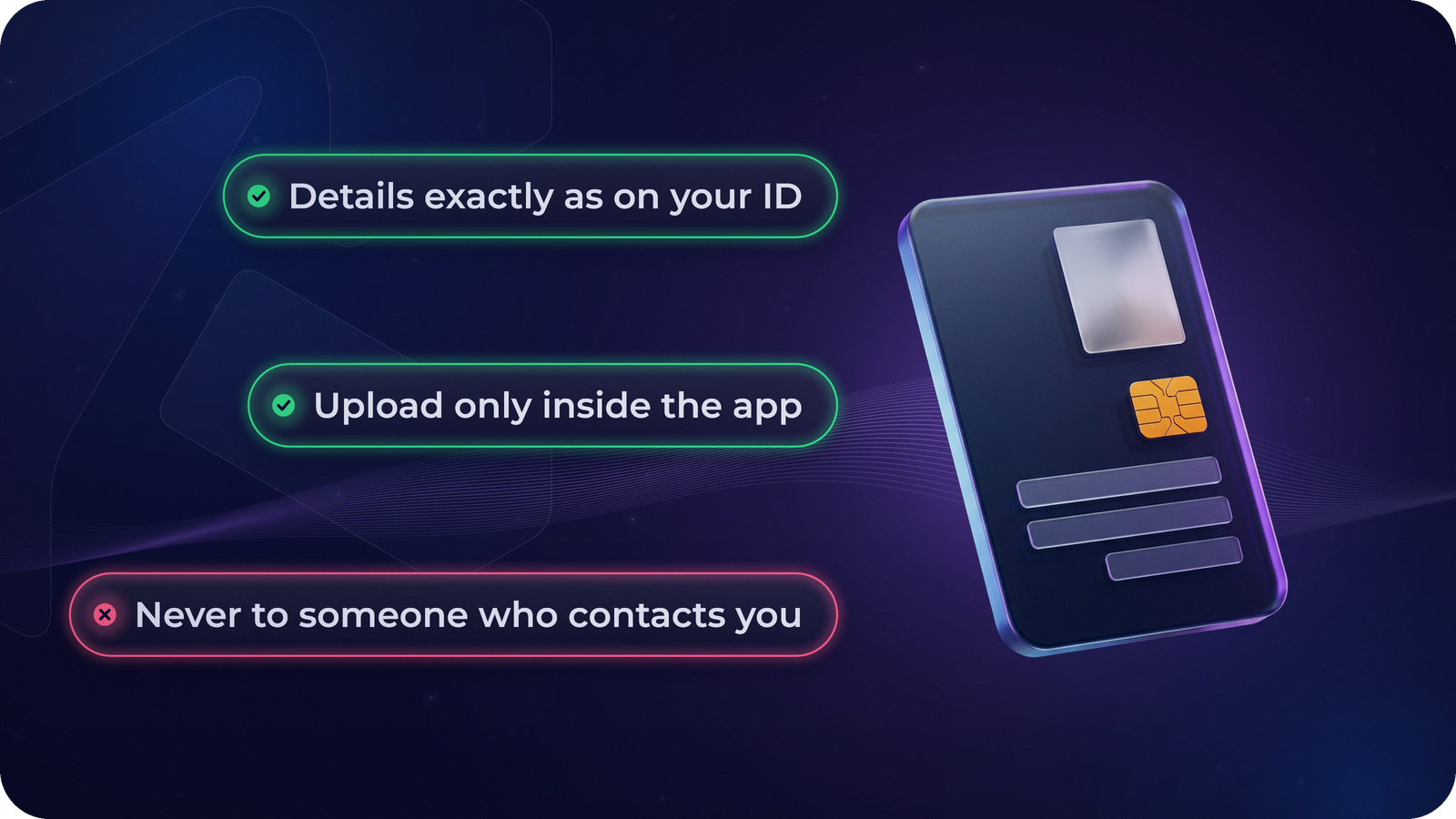
- Enter your details exactly as they appear on your ID.
- Verification: ID photo, selfie, sometimes a bank check, then the agreements.
- If the app asks you to fix or update something, do it in the app. Only upload documents inside the app, never to someone who contacts you first.
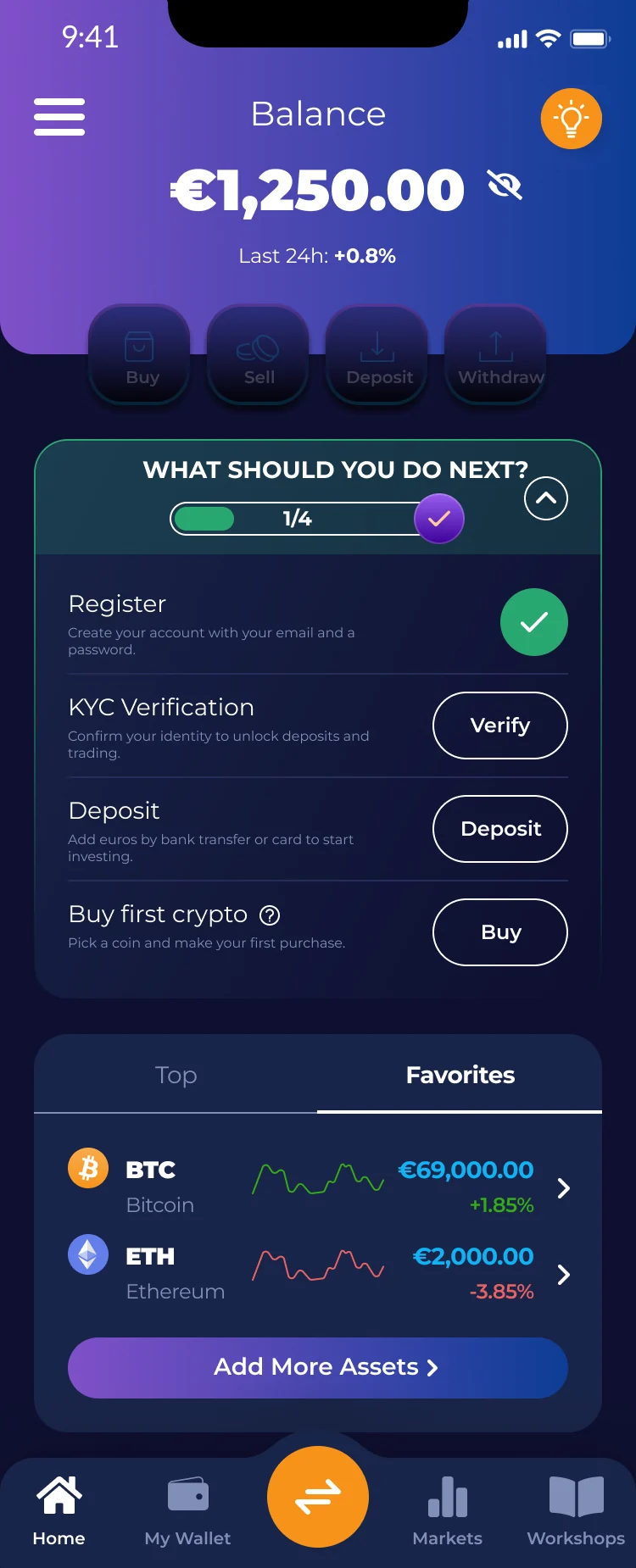
If you haven’t finished verifying, you can continue in Verification.
Next: how to protect your account. Secure Your Account
Lesson complete!
0 / 3
That's the first chapter. Continue this course — and unlock the rest — in the Rumos app.