How it works
Six steps,
at your own pace.
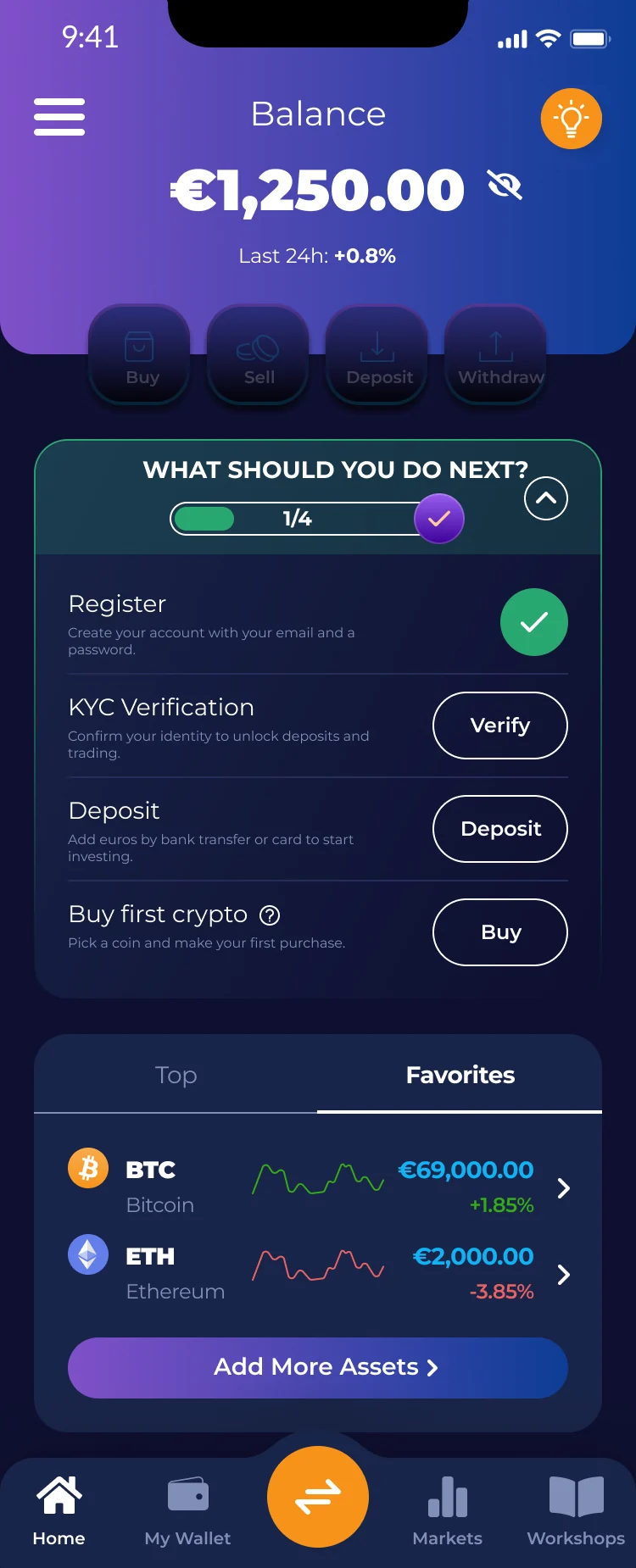
No strategy to pick and no chart to read. Here is what happens, in order, and the app walks you through it.
-
Step 1
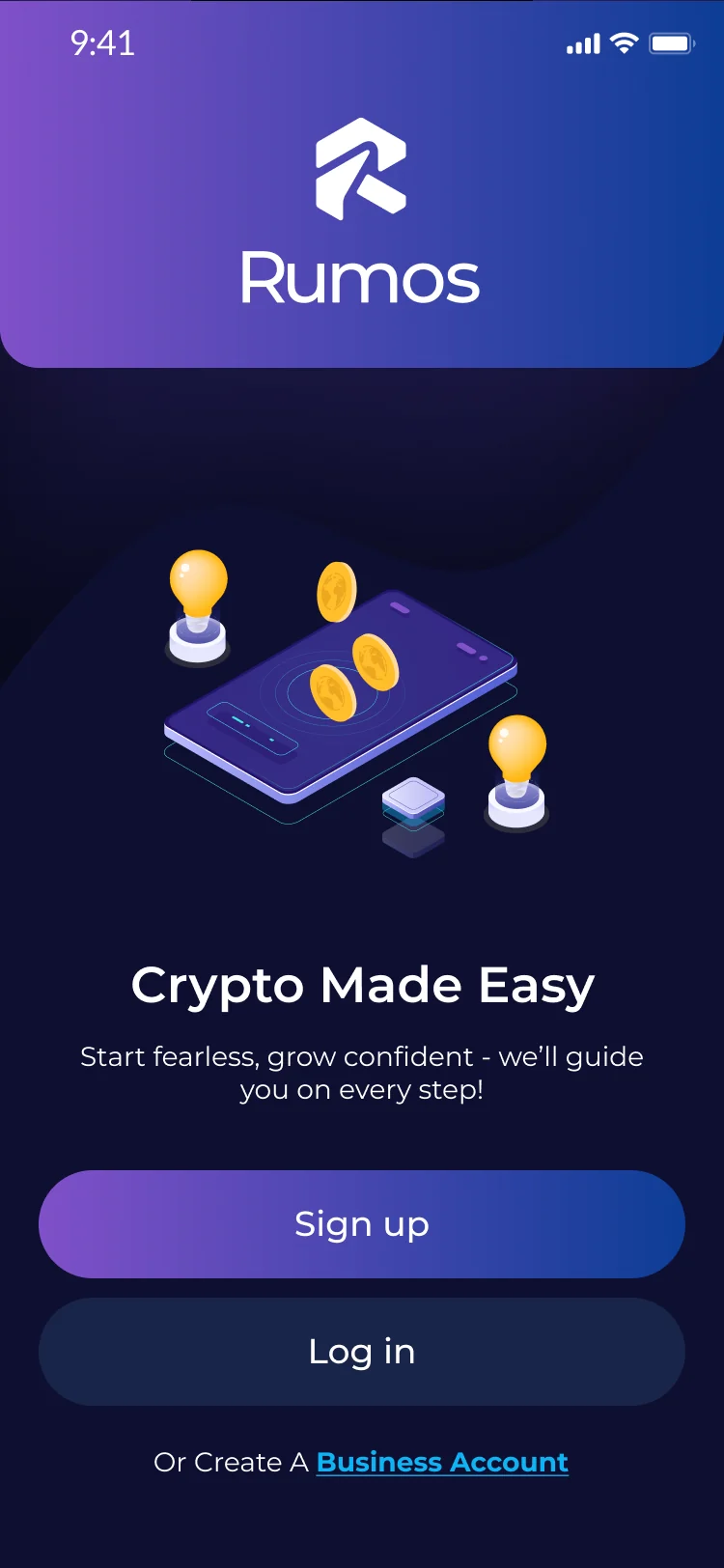
Download the app
Get Rumos free from the App Store or Google Play and create your account.
-
Step 2
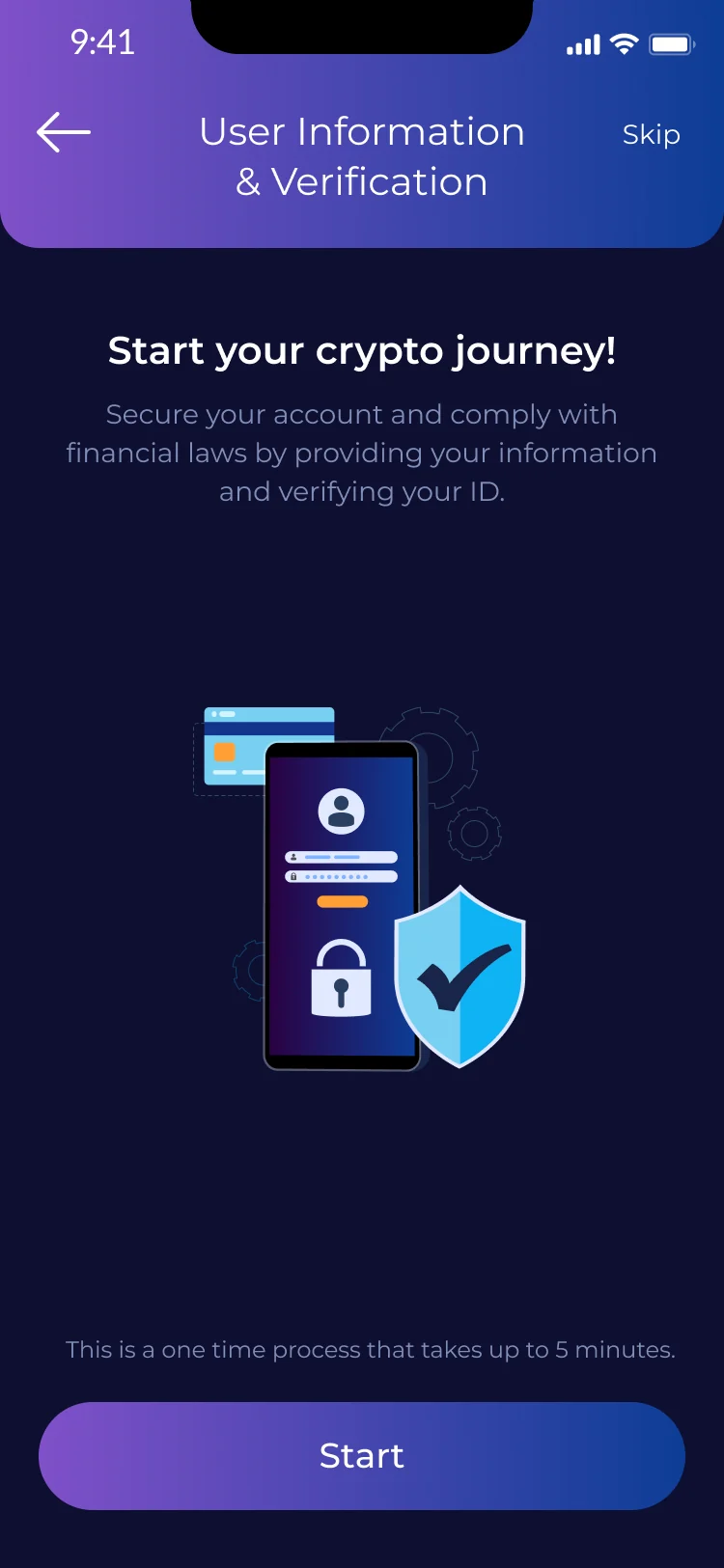
Verify your identity
A short ID check with your passport or national ID. The app guides you through it, and you only do it once.
-
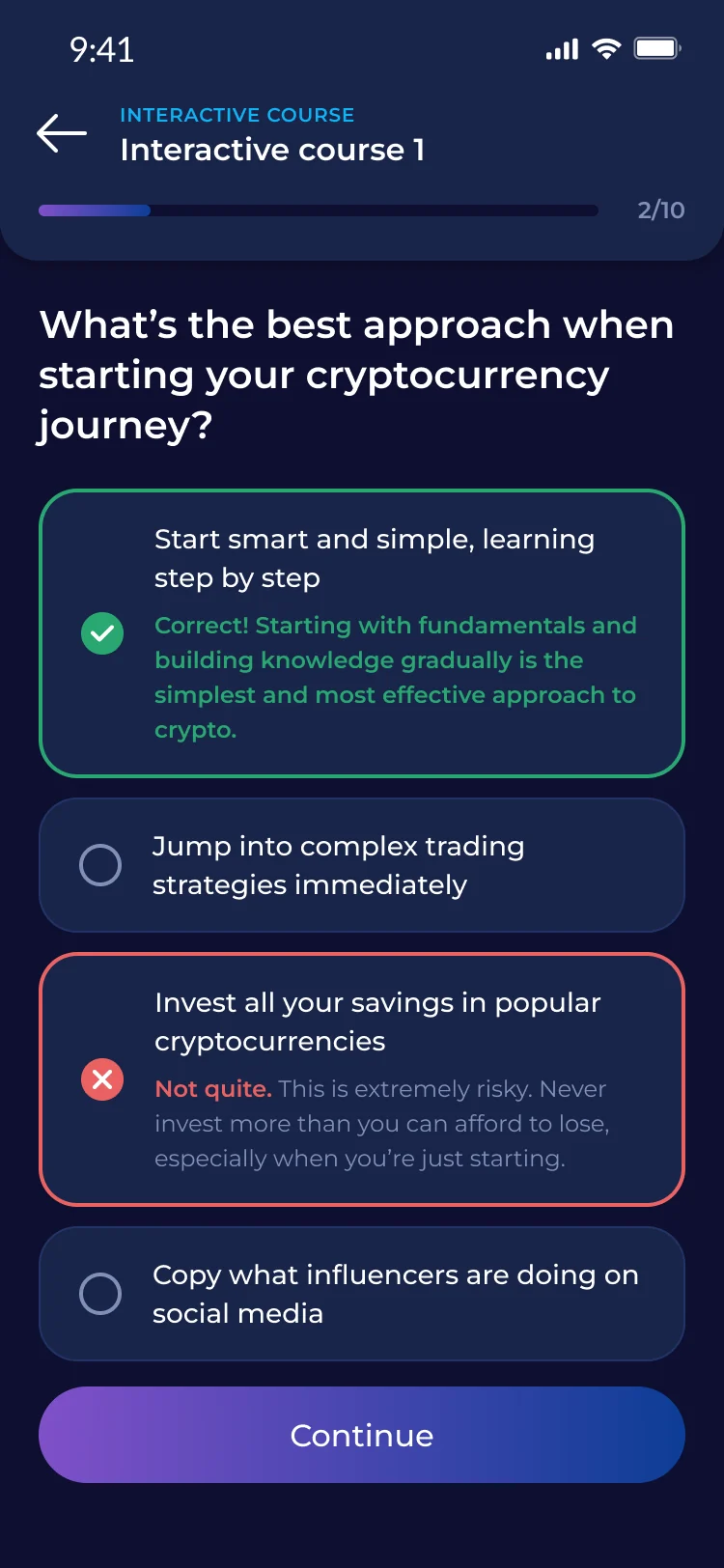 Quick quiz

Step 3
Let us show you around
Take a short guided lesson or join a workshop before you spend anything. Learn what a wallet is, how prices move and what to watch for. You can skip it if you prefer.
Browse the workshops -
Step 4
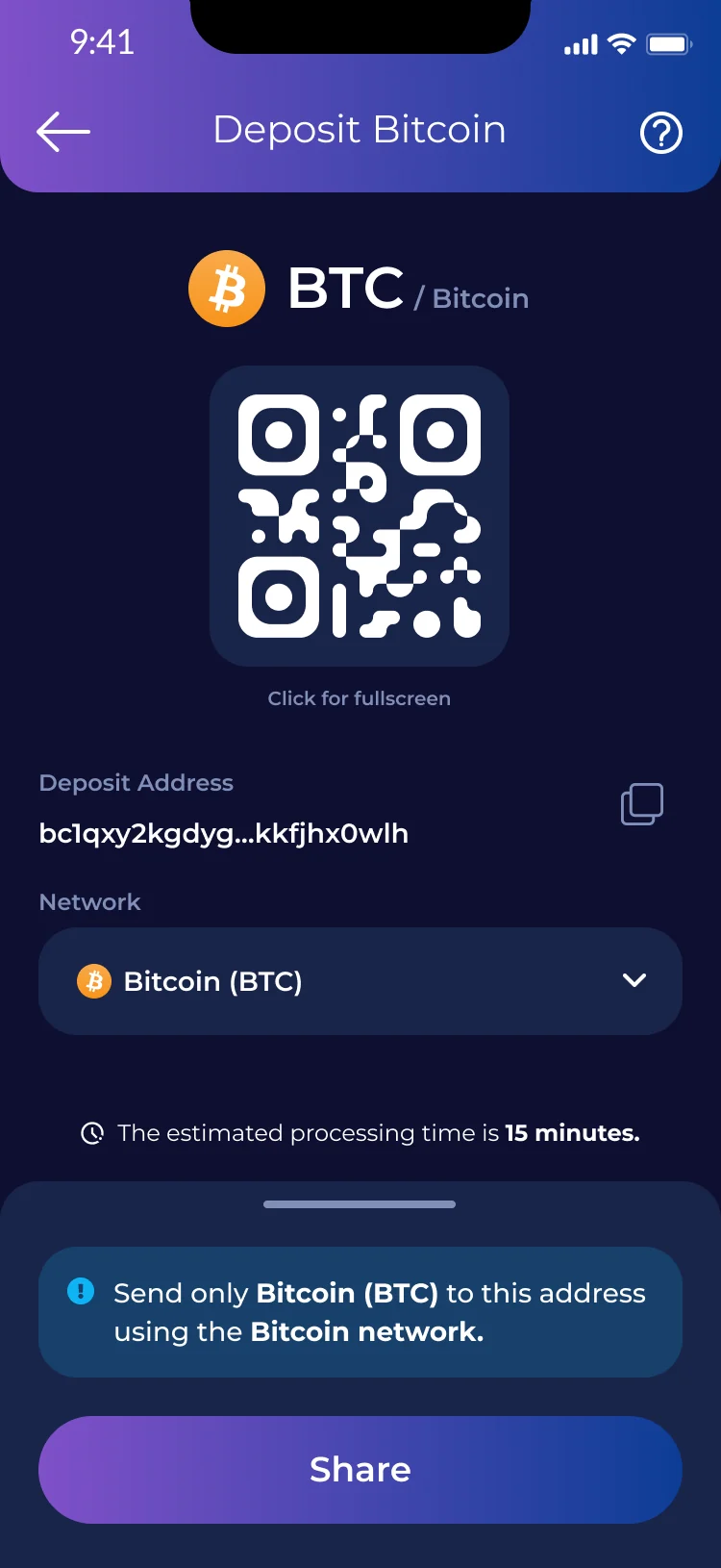
Add money or crypto
Add money from your bank by transfer, or send in crypto you already own from another app. Every coin has its own deposit address in the app.
How to move from another app -
Step 5
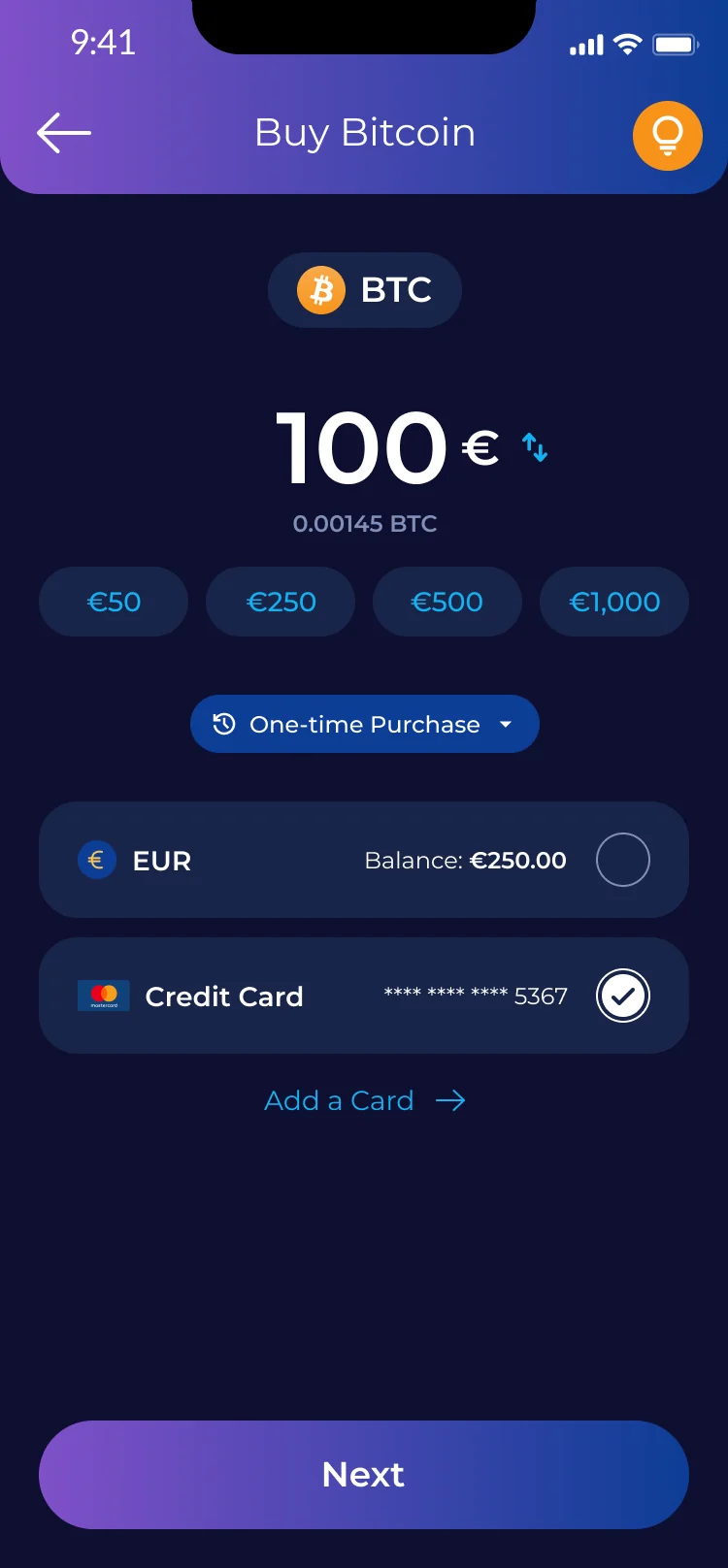
Buy your first coin
Pick a coin and choose an amount you are comfortable with. You can buy part of a coin, and your first 30 days have 0% trading fees.
See the coins -
Step 6
Keep learning, and build a habit
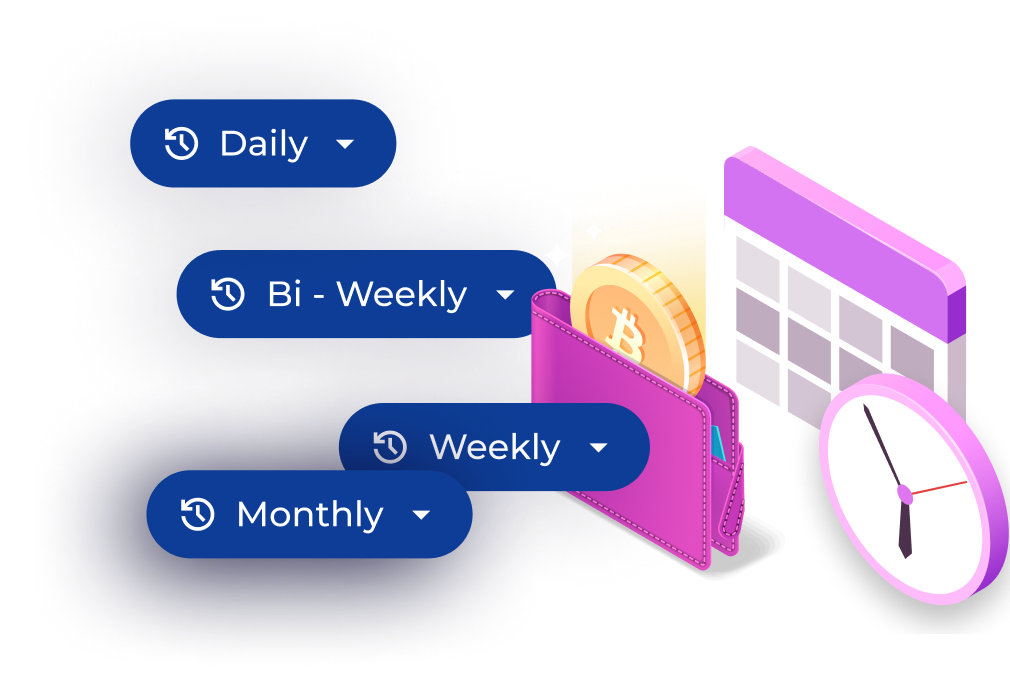
Carry on with the lessons at your own pace. If it suits you, set up a recurring buy so a set amount goes in daily, weekly or monthly.
What is a recurring buy?
Get started
Ready to try it?
Download Rumos, take a short lesson, and make a small first buy when it feels right. Your first 30 days have 0% trading fees.
Crypto prices can go down as well as up. Only use money you can afford to lose.