How to move your crypto from Binance
Binance does not appear in ESMA's register of authorised providers. If you'd like to move, here's how.
The guide
Two ways to move. Pick what suits you.
 No addresses or networks Go through your bank Sell to euros in your old app, send them to your bank, then add them to Rumos by SEPA or wire transfer.
Route 1: send your crypto across
You copy an address from Rumos and paste it into your old app's withdraw screen. That's the whole idea.
-
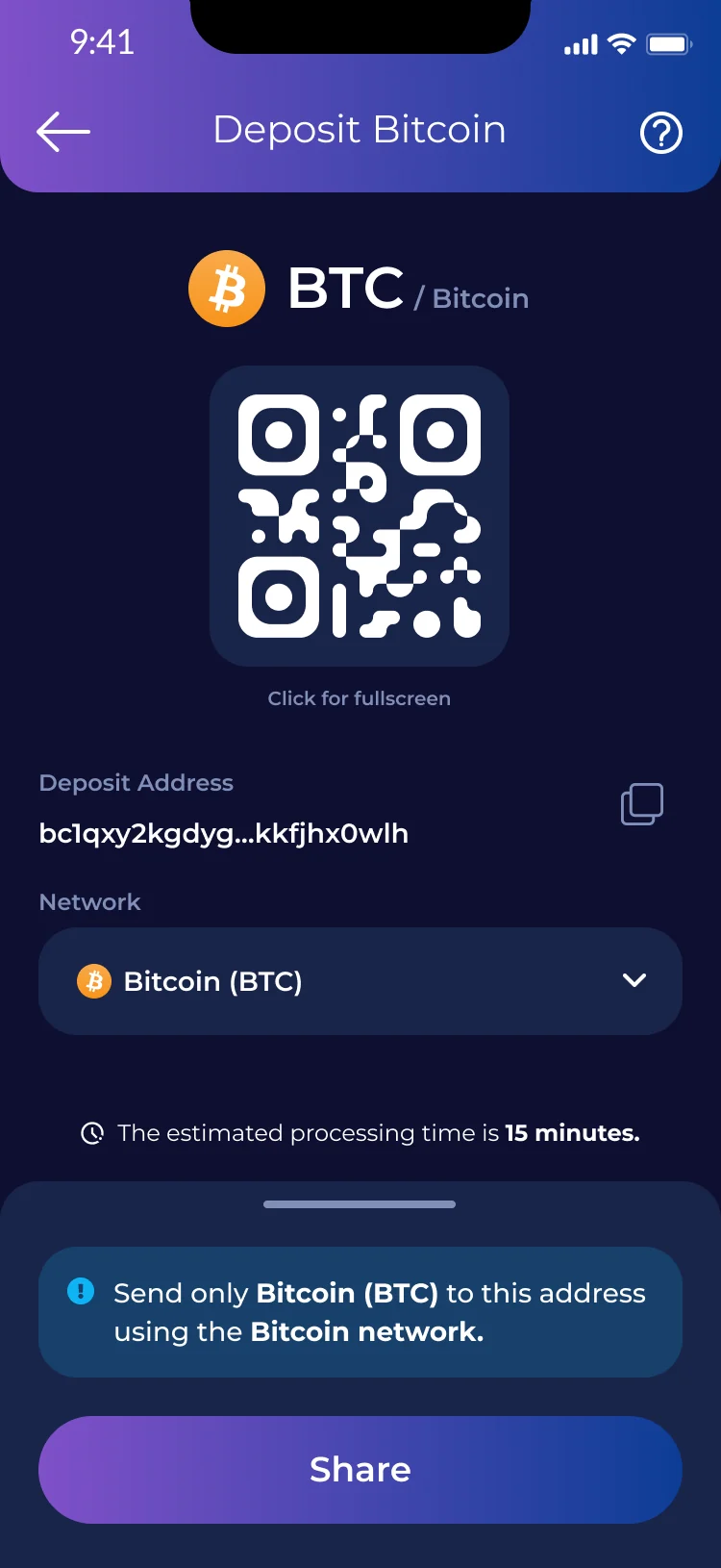
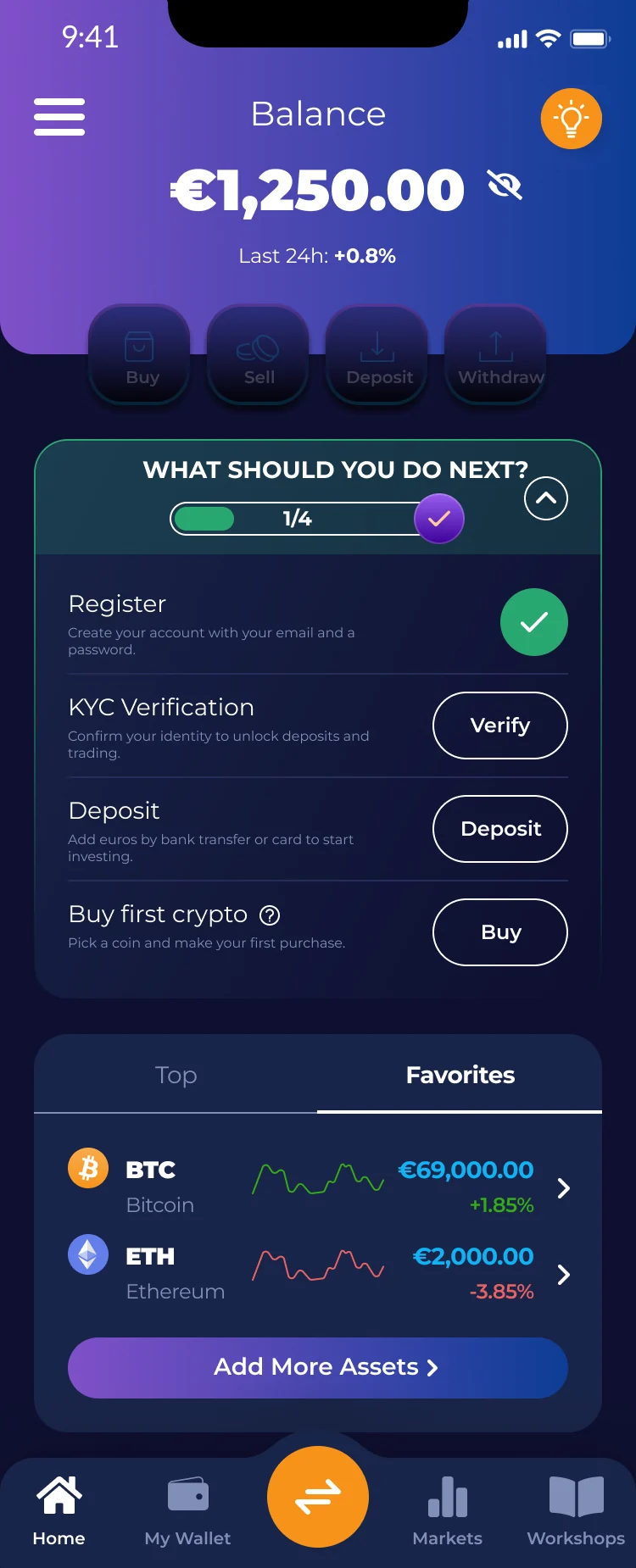
In Rumos: copy your deposit address
Open the coin you want to receive, copy your DEPOSIT ADDRESS, and note its NETWORK. You’ll match that exact network on Binance.
-
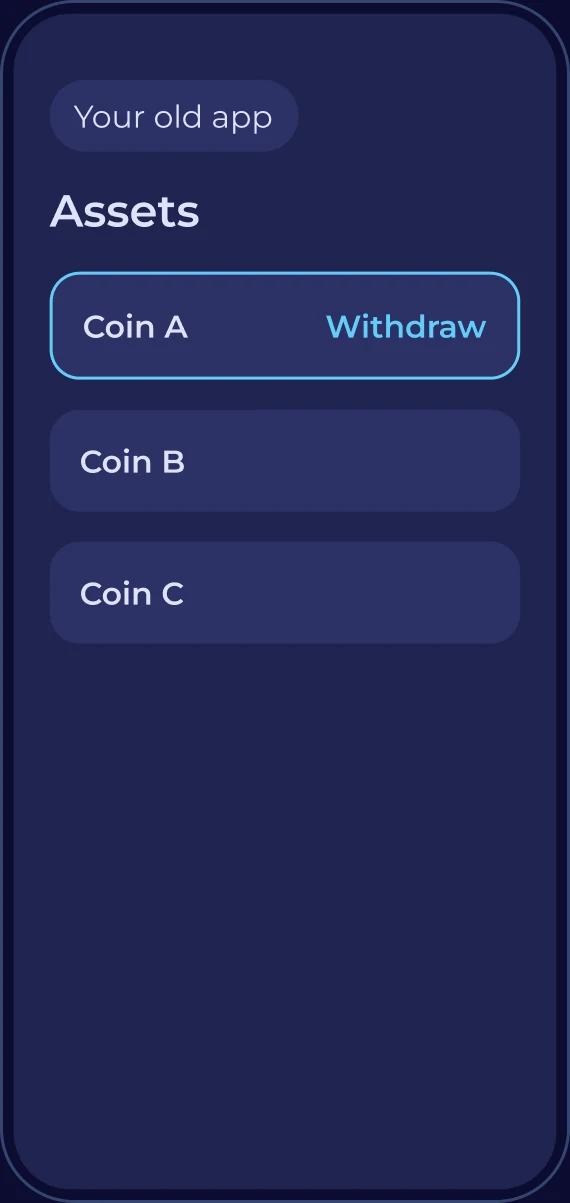
In Binance: open the coin
Go to Assets → Spot, then tap the coin you’re moving (for example DOT).
-
Tap Send, then choose “Withdraw Asset”
Pick “Withdraw Asset”, NOT “Send to Binance users”. You’re sending to an outside wallet, not to another Binance account.
-
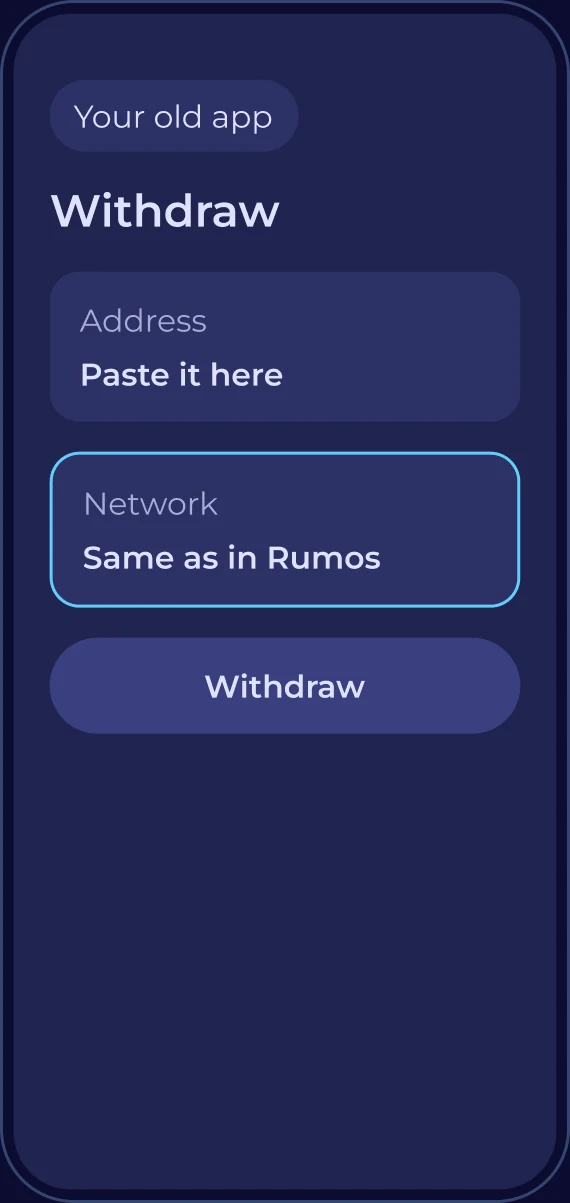
Paste your Rumos address, then fix the network
Paste the address you copied. Binance often AUTO-SELECTS a network (you may see “BSC Auto Matched”). You MUST switch it to the network that matches your Rumos address, the same one shown in the app. A wrong network means lost funds.
-
Send a small test amount first
Enter a small TEST amount, check the Receive amount and Network fee, tap Withdraw, and confirm with 2FA.
-
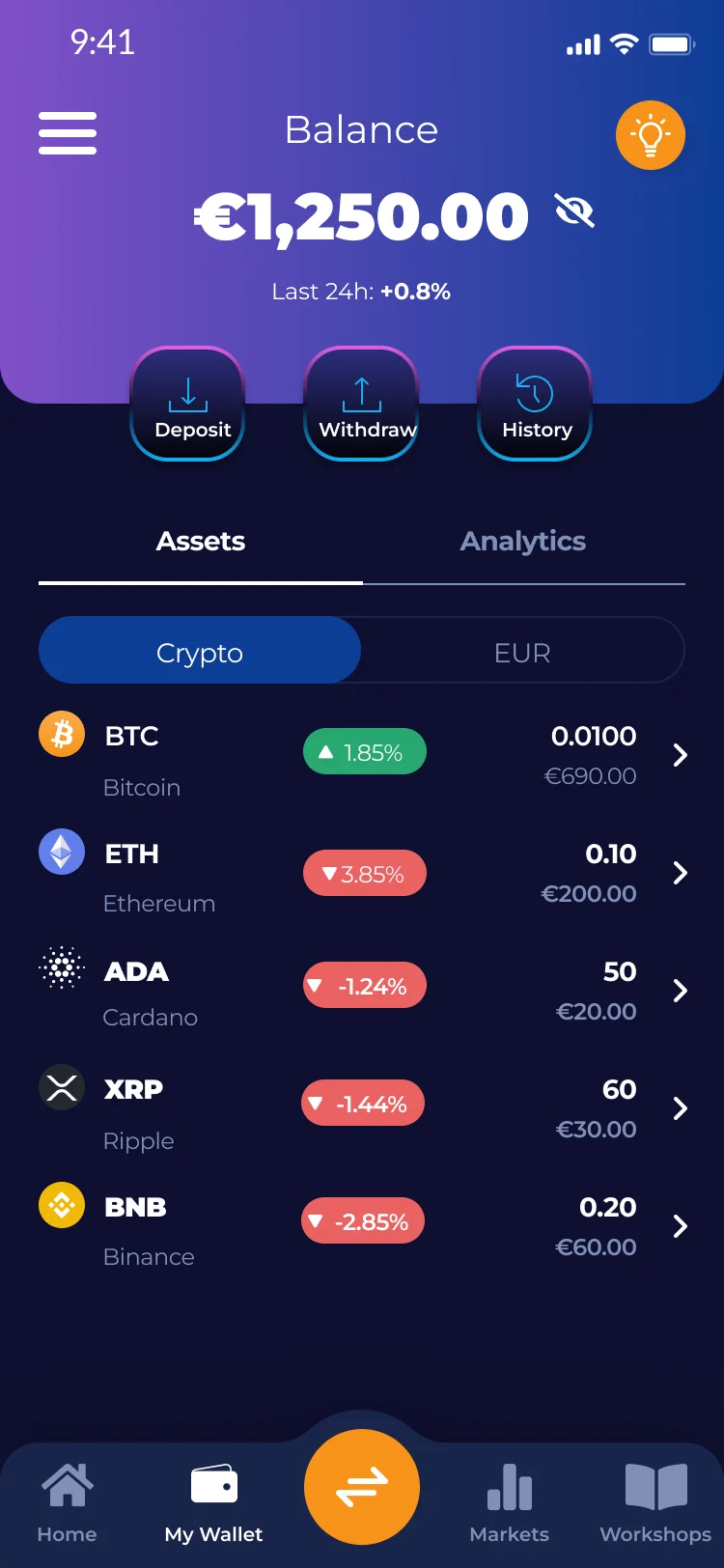
Wait for the test, then send the rest
Once the test lands in your Rumos wallet, repeat with the rest of your balance.
Illustrative screens. Your old app will look a little different.
The network is the one thing to get right
A wrong network or address can mean lost funds, and crypto transfers can't be reversed. That's why the test send comes first.
Route 2: go through your bank
It takes a little longer, and there are no addresses to get right. Selling can have tax consequences, so check your local rules.
-
Sell to euros and withdraw
In your old app, sell what you want to move, then withdraw the euros to your bank account.
-
Download Rumos and verify
Get the app and do the short ID check. The app guides you through it.
-
Add money by bank transfer
In Rumos, choose Deposit, then send the money from your bank by SEPA or wire using the details shown.
-
Buy again, at your own pace
Pick your coins and start with an amount you're comfortable with. Your first 30 days have 0% trading fees.
Common questions
Do I have to sell on Binance before moving?
No, not if Binance lets you withdraw your coins. You can send them straight to your Rumos deposit address. Or sell to euros and use your bank, if that feels simpler. Check Binance's own instructions first.
What should I do first?
Read Binance's own notice or help pages so you know what's still possible and by when. Then download Rumos, verify, and try a tiny test send before moving the rest.
How do I check if an app is authorised in the EU?
ESMA, the EU's markets regulator, publishes a public register of authorised crypto providers. Plenty of authorised platforms still operate in the EU, and you can check any of them there.
Is Rumos regulated?
Rumos itself is not a licensed provider. In the EU, custody and execution are provided by BitGo Europe GmbH, authorised under MiCA by BaFin, the German regulator. You can look it up in ESMA's register.
Which route should I choose?
If you know your way around addresses and networks, sending crypto across lets you keep your coins. If that sounds daunting, going through your bank is simpler, though selling can have tax consequences.
What does moving cost?
Your old app and the blockchain network may charge a withdrawal or network fee, and your old app shows it before you confirm. Check the current fees in Rumos before you start.
You have other options too, including licensed exchanges, so choose what fits you.
Coming from somewhere else?
Get started
Take it one step at a time.
Download Rumos, verify once, and test with a tiny amount when you're ready. Your first 30 days have 0% trading fees.
Crypto prices can go down as well as up. Only use money you can afford to lose.